Plan Tracing
Load plans, calibrate the scale and trace walls directly on screen.
Trace walls, deduct openings and review masonry quantities in one workflow. Public release details will follow when ready.
See the workflow in the app — from tracing the plan to live quantities and a finished report.
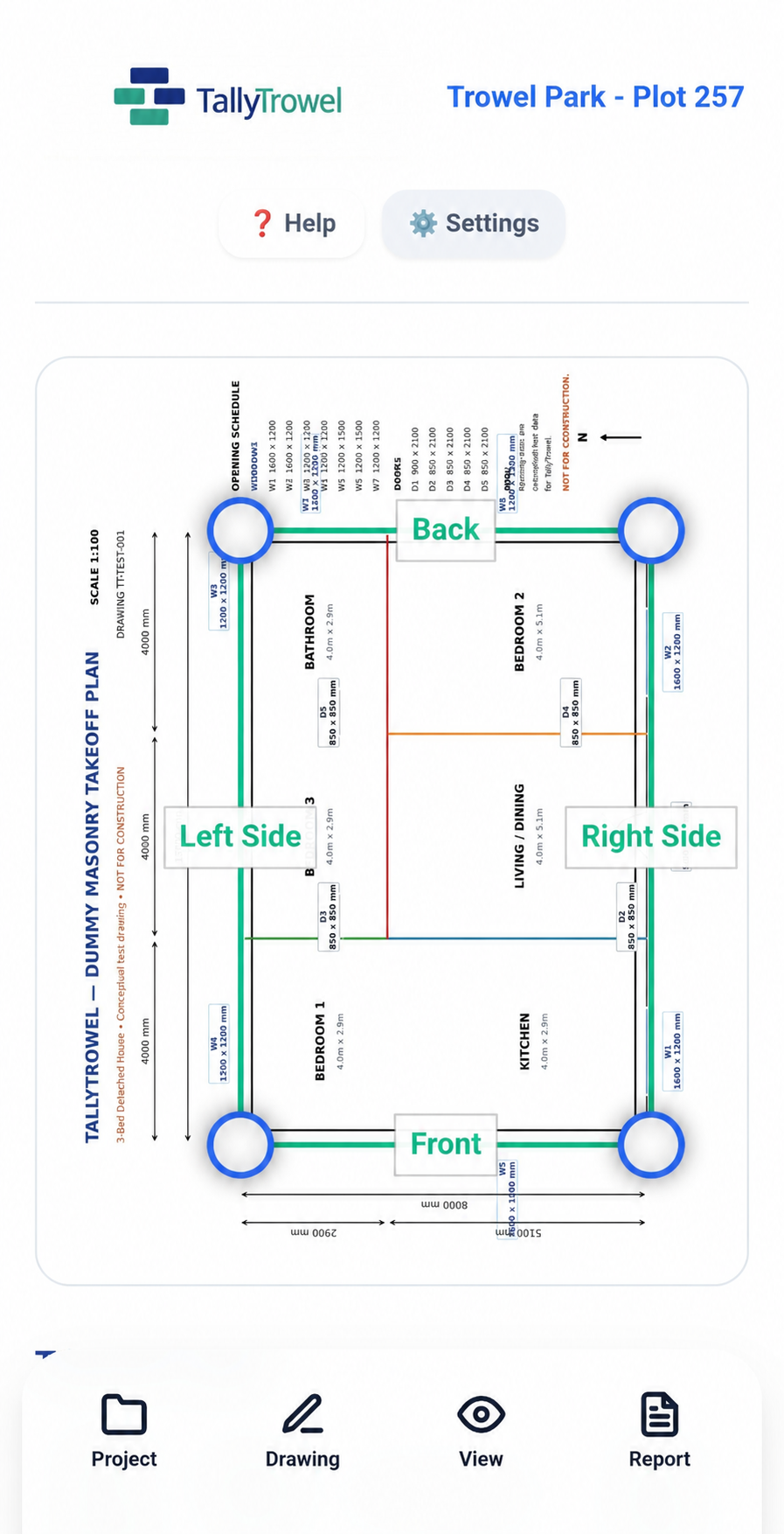
Illustrative plan view · door symbols removed.
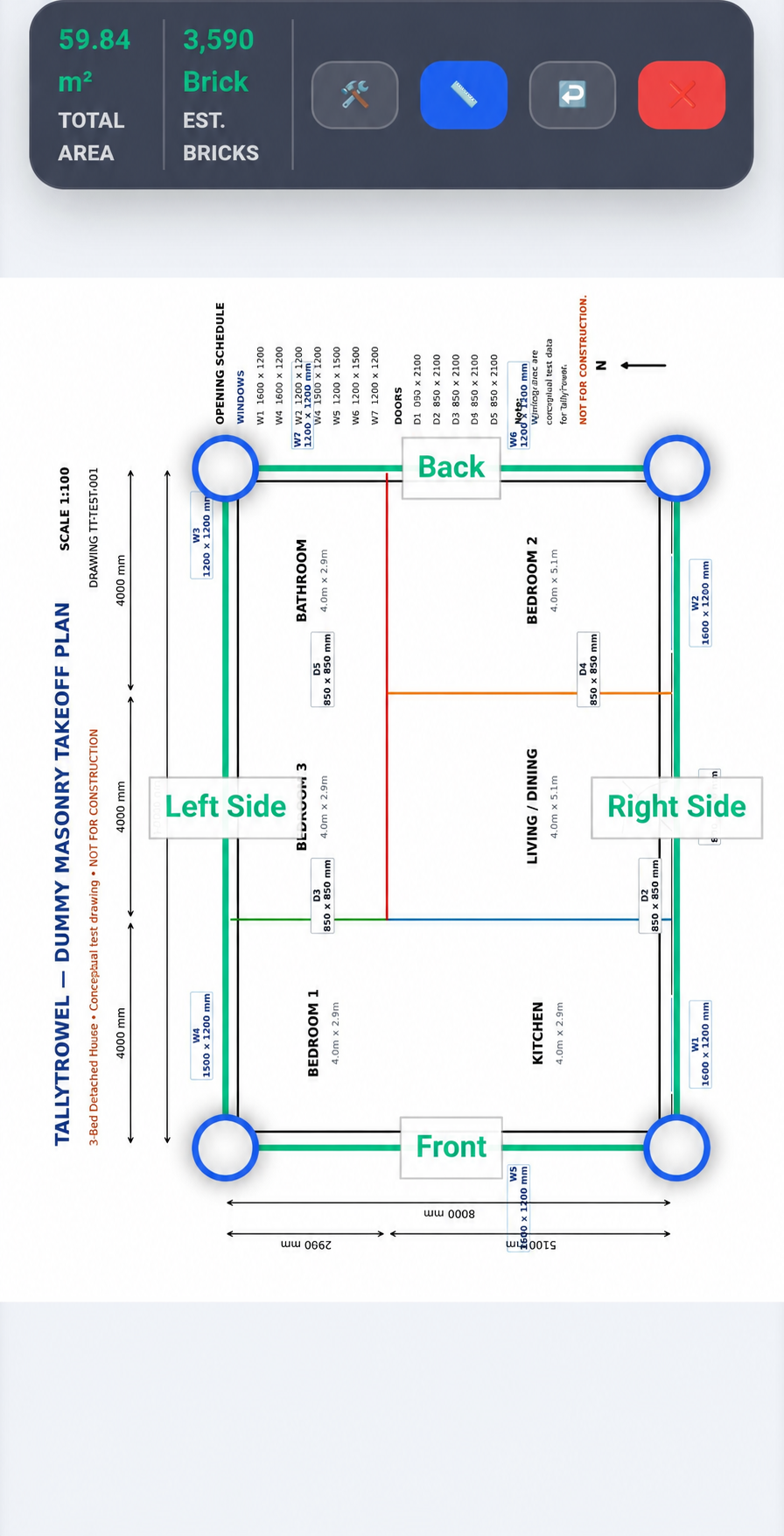
Load a building plan, calibrate it using a known dimension and trace the walls directly on screen. TallyTrowel turns those measurements into a live masonry takeoff.
Real screens from the TallyTrowel app — not stock images or mock-ups.
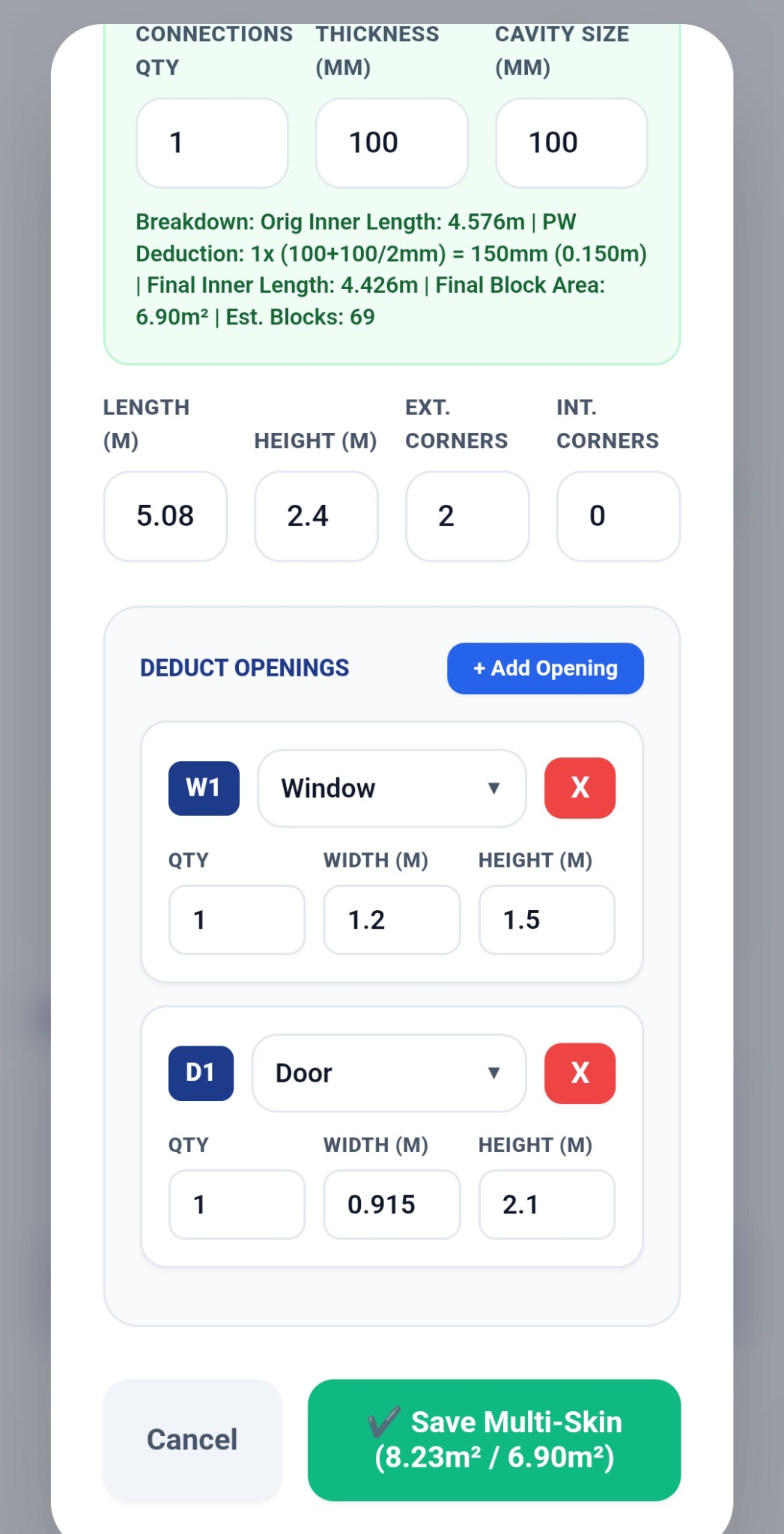
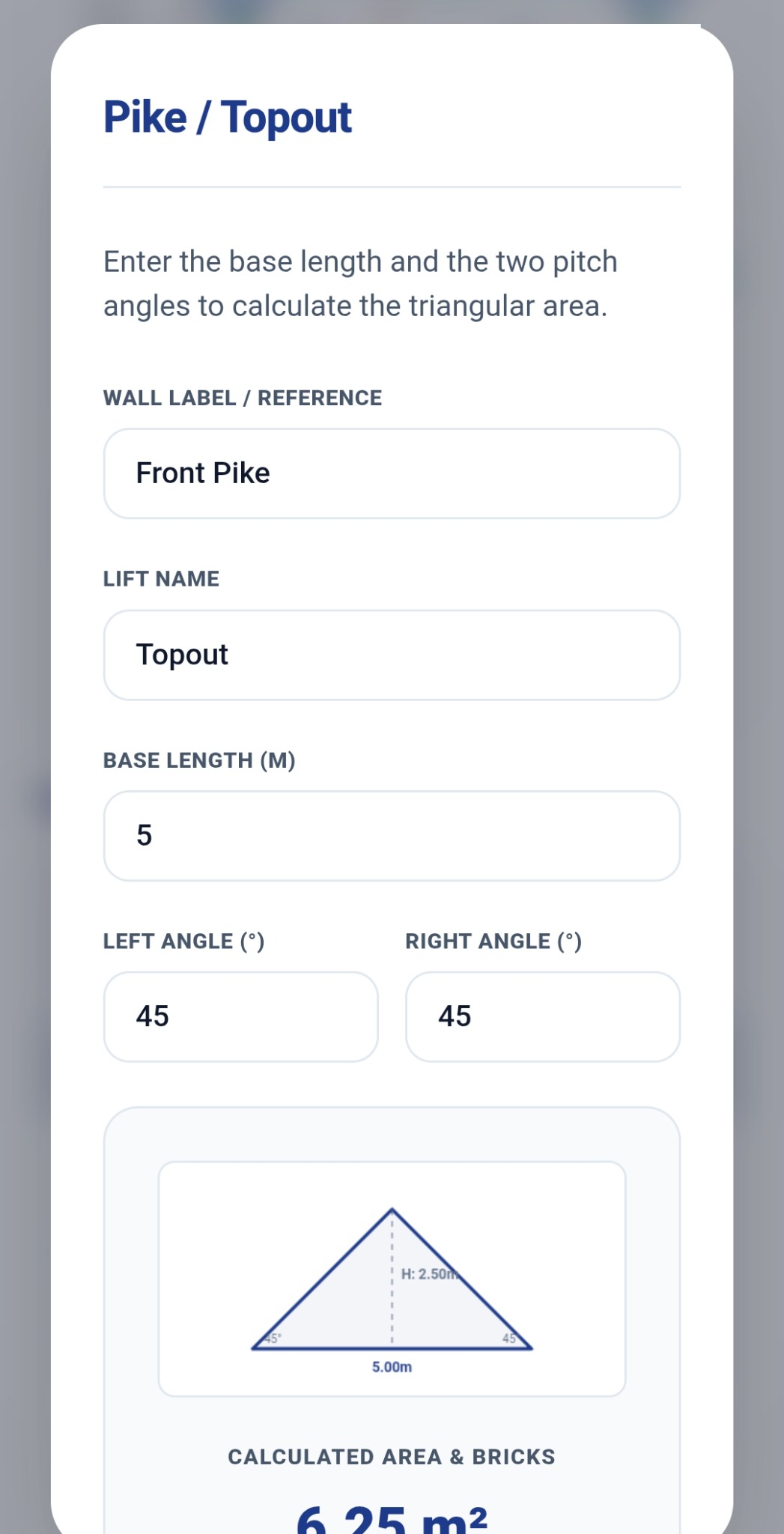
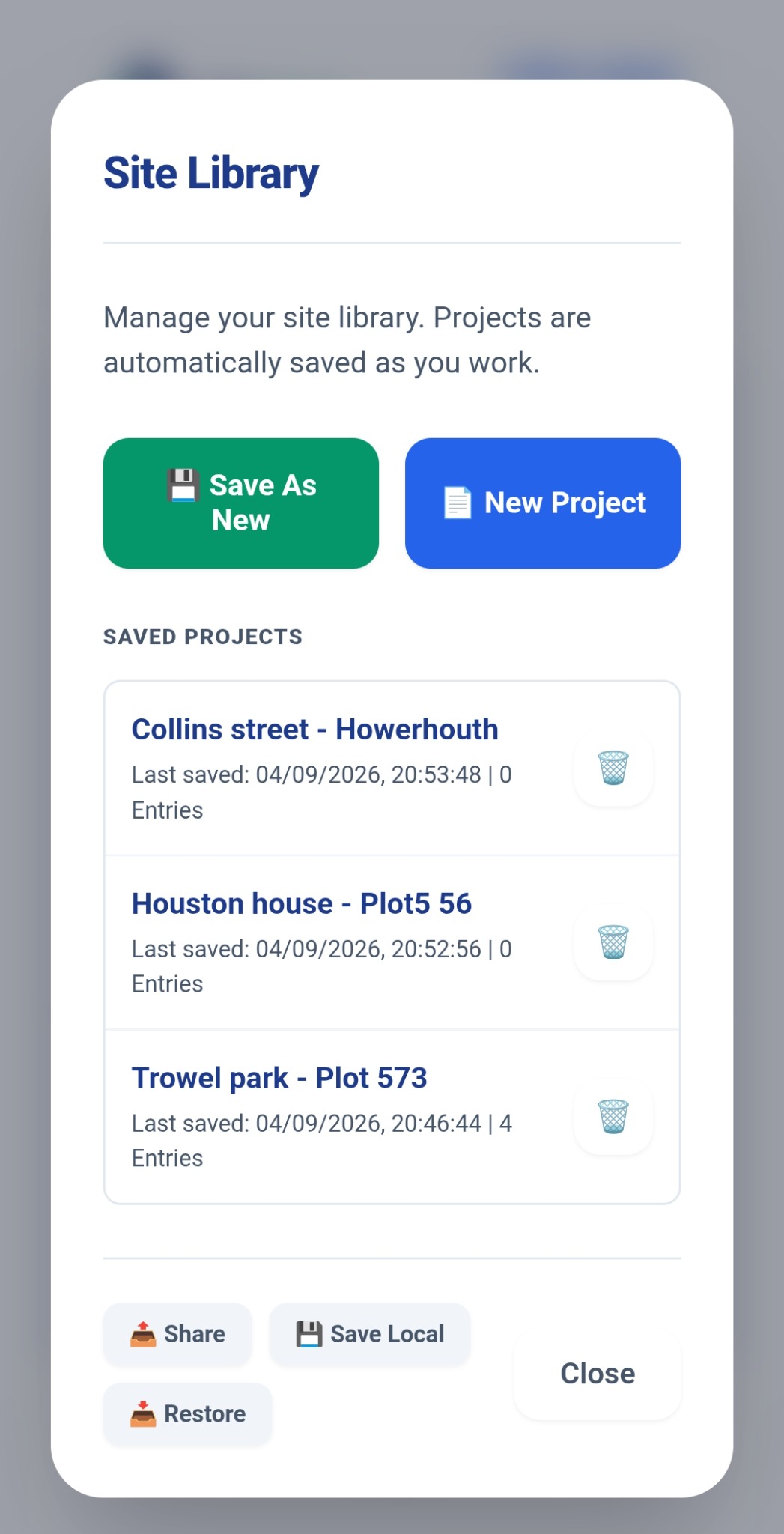
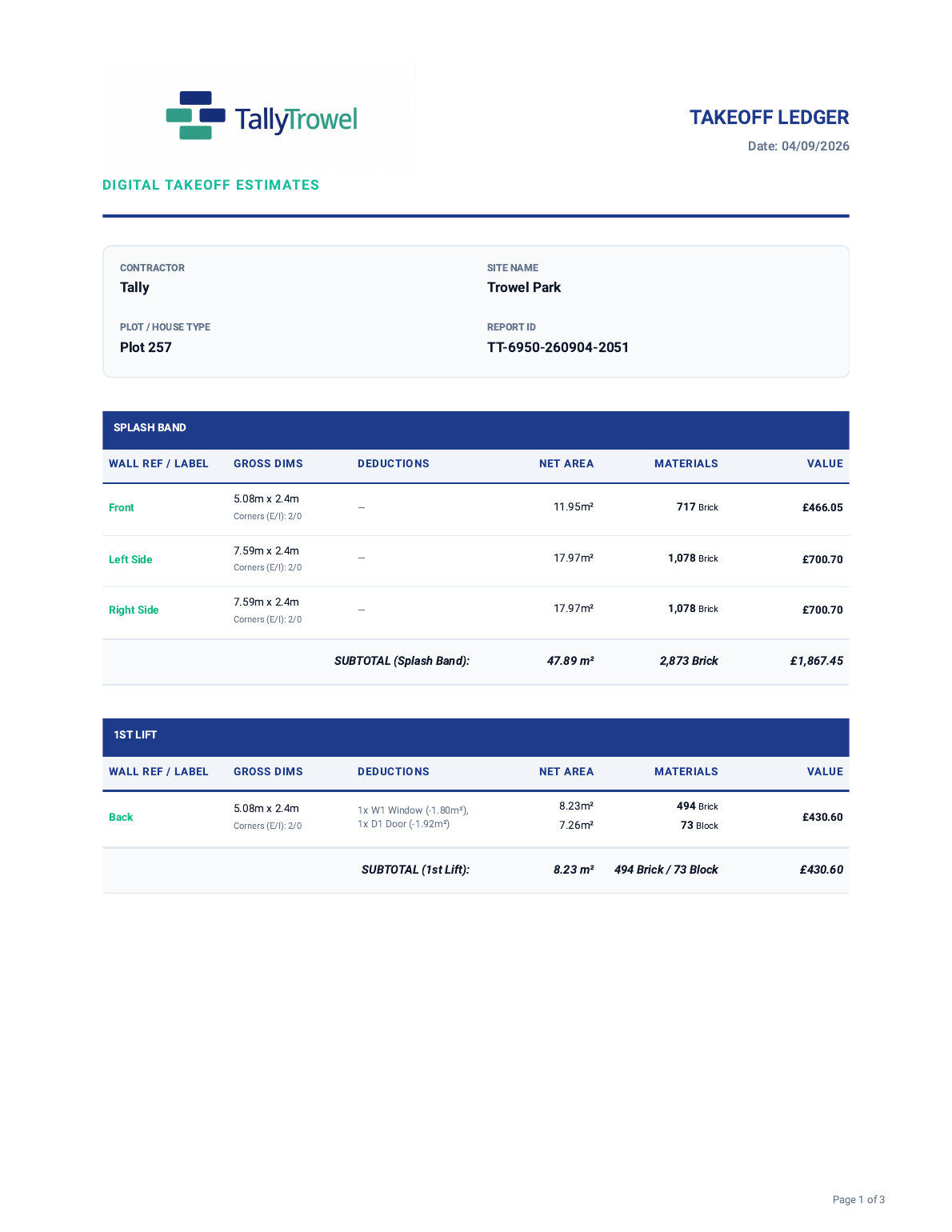
Your completed takeoff can be turned into a clear PDF report with project details, wall breakdowns, deductions, quantities, values and project totals.
Focused tools for the measurements and calculations that matter.
Load plans, calibrate the scale and trace walls directly on screen.
Calculate masonry quantities for brickwork and blockwork from your measured walls.
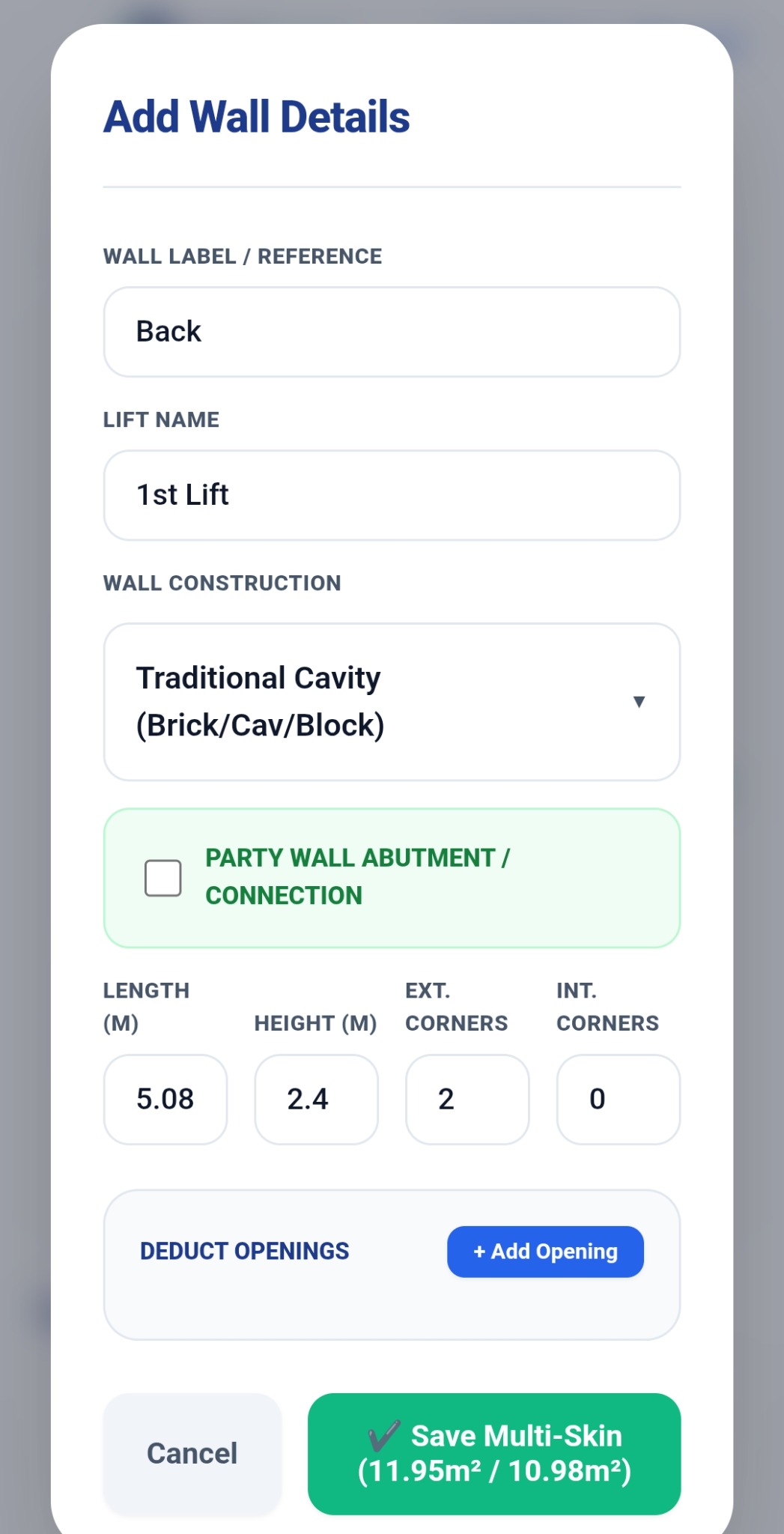
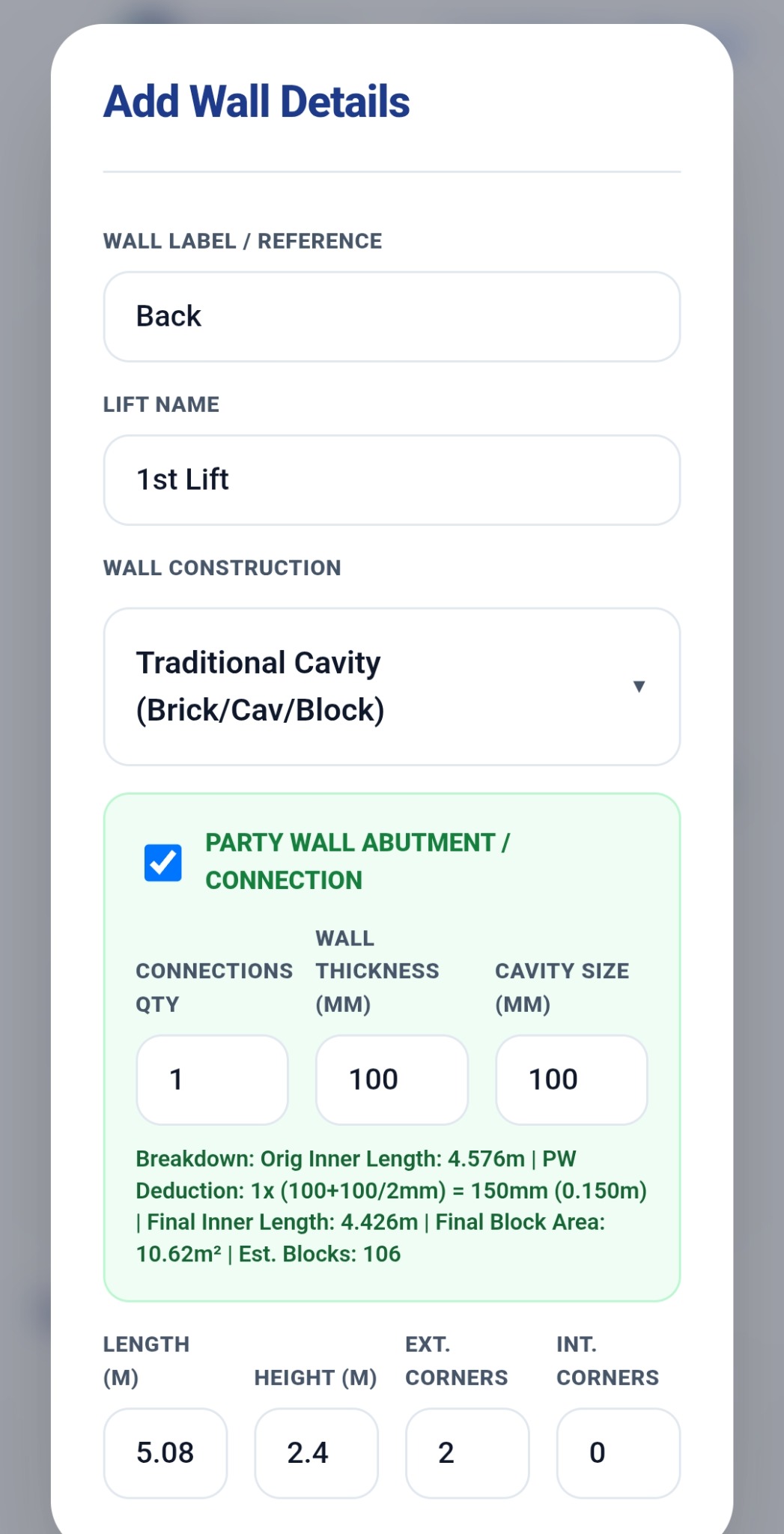
Calculate separate brick and block leaves, including party-wall connections.
Add windows, doors and other openings and deduct their areas automatically.
Calculate gable and pike areas using pitch and base measurements.
Review walls, deductions, areas, quantities and estimates in one place.
Turn your completed takeoff into a professional report you can save and share.
Keep multiple projects and plots organised on your device.
Designed to keep the workflow quick and easy to follow.
Bring your building plan into TallyTrowel.
Use a known dimension so your measurements are tied to the real building.
Trace walls, add openings and calculate your masonry quantities.
Review the Takeoff Ledger and produce your professional PDF report.
Leave your email so we can contact you about Android takeoff testing and availability. Access is not guaranteed.
Prefer email? Contact hello@tallytrowel.com.